
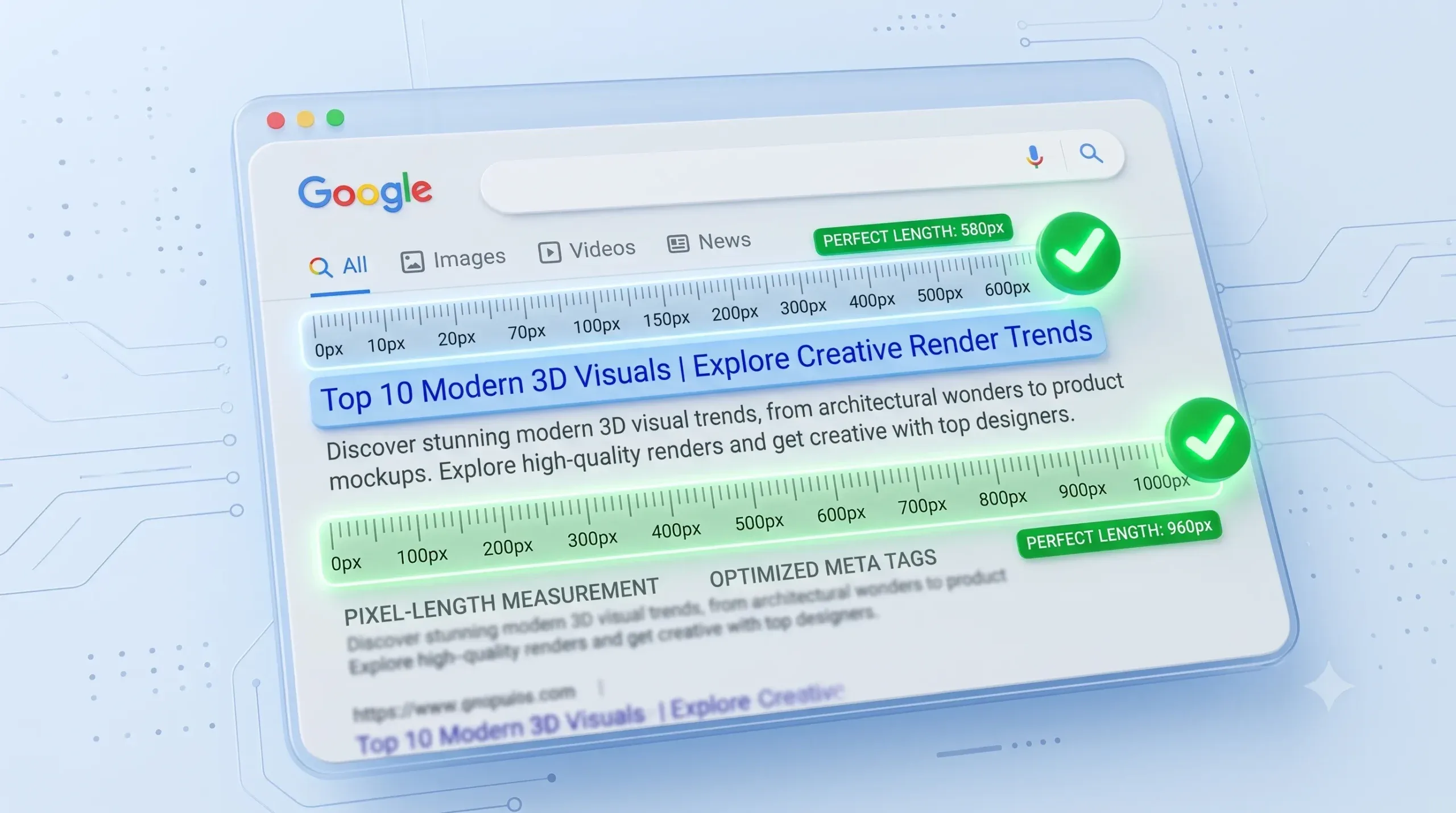
Google SERP Snippet Optimization Tool | Meta Length Pixel Checker
SERP Pixel Checker & Meta Optimizer
Live SERP Preview
Why Use a Google SERP Snippet Optimization Tool?
A SERP (Search Engine Results Page) snippet is the preview of your webpage that appears in Google search results, consisting of the Meta Title, URL, and Meta Description. Optimizing this snippet is crucial for improving your organic Click-Through Rate (CTR) and driving more targeted, high-intent traffic to your site.
Our Free Google SERP Snippet Optimization Tool & Meta Length Pixel Checker allows you to write and preview your metadata exactly as it will appear on Google’s desktop and mobile results. It uses precise pixel-width calculations to ensure your titles and descriptions are perfectly sized and never truncated or cut off with ellipses (…).
Frequently Asked Questions (FAQs)
Why measure by pixels instead of character count?
Google cuts off titles and descriptions based on maximum pixel width, not character count. Wider letters like ‘W’ or ‘M’ take up much more space than ‘i’ or ‘l’. Our pixel checker provides a 100% accurate visual preview based on Google’s current rendering limits.
What is the ideal pixel length for Meta Titles and Descriptions?
For optimal display without truncation, Meta Titles should generally stay under 600 pixels (roughly 50-60 characters). Meta Descriptions should remain under 920 pixels on desktop (around 150-160 characters) and slightly shorter for mobile displays.
Does optimizing my SERP snippet guarantee higher rankings?
While meta tags don’t directly boost your numerical ranking position, a compelling title and description drastically improve your click-through rate. A higher CTR sends strong positive behavioral signals to Google, which can lead to improved rankings over time.
Looking for more SEO and Tecz tools?